Queue 1–500 sessions or run up to 20x in parallel without crashing your PC.
Available on the Pay-As-You-Go BYOP Wallet: schedule automated QA, ad-check, or regional verification runs with Auto Close or Manual Close modes, human-like auto-scroll, and hardware-guarded parallel execution.
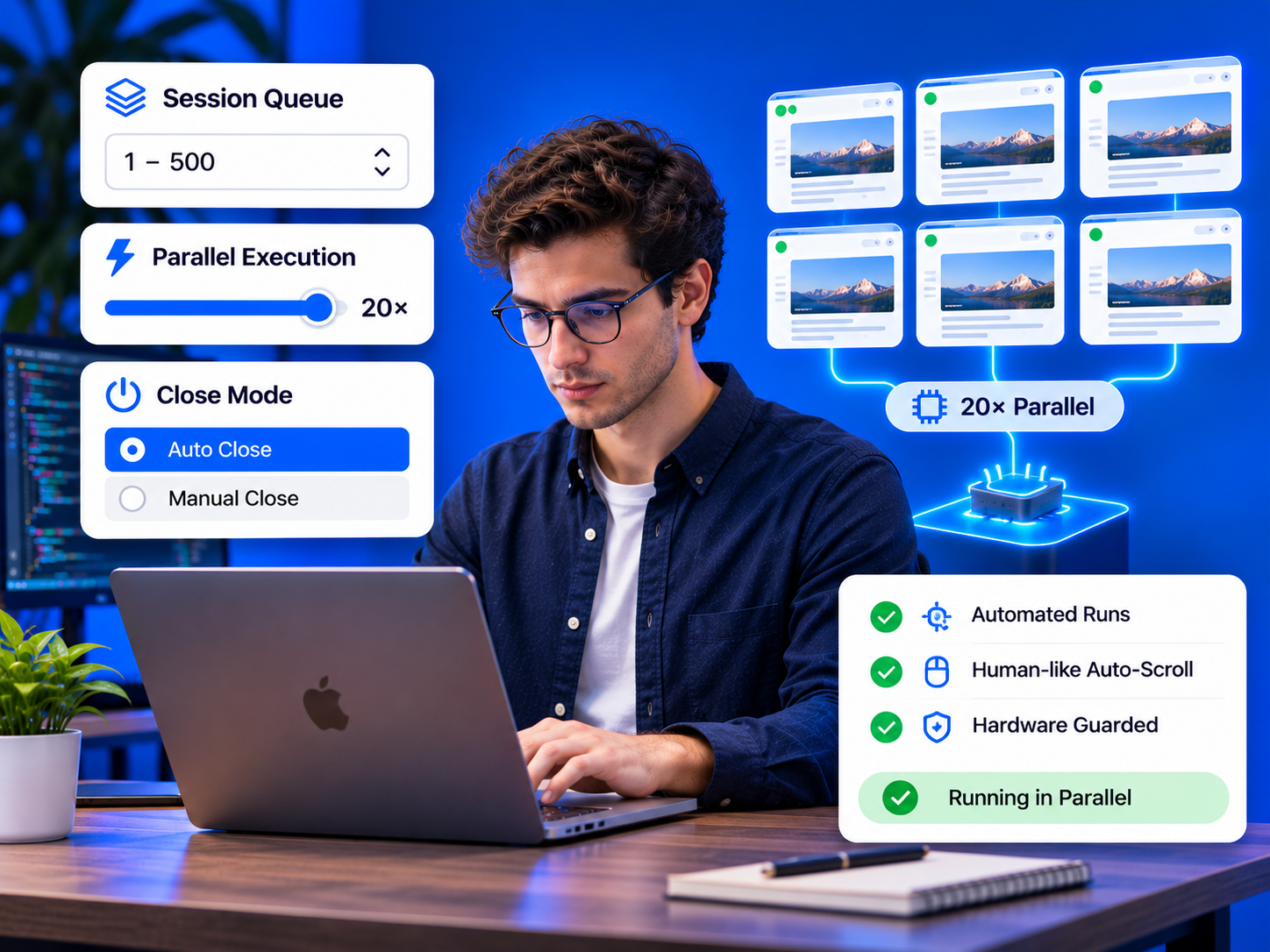
How Multi Sessions & Parallel Concurrency Works in TheGeoBrowser.
Auto Close & Manual Close Workflows
Run hands-free Auto Close queues with randomized 5–300s stay duration, 1–120s cooldown gap jitter, minimized background windows, and auto-scroll lazy-load verification—or Manual Close one session at a time.
Hardware + Proxy Concurrency Protection
Before parallel runs, the Desktop App inspects your local RAM, disk type (SSD vs. HDD), CPU cores, and hardware GPU alongside your BYOP proxy pool limit so your system never hangs.
Smart Country Fallback & Pause/Stop Controls
Multi Sessions defaults to Country Fallback for high completion rates, shuffles device/OS identities across visits when enabled, and lets you Pause, Resume, or Stop live batches anytime.
- Plan Availability
- BYOP Pay-As-You-Go Wallet (and BYOP Admin Trial)
- Hardware Protection
- Live free-RAM, CPU core, SSD/HDD & GPU cap calculation
- Timing Controls
- 5–300s randomized stay time · 1–120s gap cooldown jitter
- QA Controls
- Staggered 2.5s launch waves · Auto-scroll & minimized mode
Why Teams Rely on Multi Sessions & Parallel Concurrency.
Explore More Product Features
Precise City Geolocation
Drill past country-level exits to exact metropolitan cities worldwide—pairing residential ISP routing with city-accurate coordinates, timezones, and regional locales.
Device & OS Simulation
Pair realistic screen dimensions, pixel ratios, and touch support with Windows, macOS, Linux, Ubuntu, iOS, and Android OS profiles—aligned across User-Agent, Client Hints, and WebGL.
Geo-Consistent Environments
Changing an IP alone triggers mismatched clocks, wrong languages, and WebRTC leaks. TheGeoBrowser synchronizes all five environment layers inside a clean per-session sandbox.

See the web
differently.
Simulate authentic user visits from any city, device, OS, and browser version. Start with 100 MB one-time free proxy data, or bring your own Decodo, Bright Data, or HTTP/HTTPS/SOCKS5 proxy on Pro.
- ✓ Windows 10/11 PC via Microsoft Store (macOS & Linux coming soon)
- ✓ Locally installed Chrome, Edge, or Brave for isolated real-browser sessions
- ✓ LinkedIn sign-in + BYOP proxy for Pro (100 MB one-time free proxy data included)
No unverified website binaries — always install from your official OS store.