Geo-Testing & QA October 31, 2026 • 5 min read

TheGeoBrowser vs. Traditional VPNs: A Technical Breakdown for QA & Ad-Ops Teams

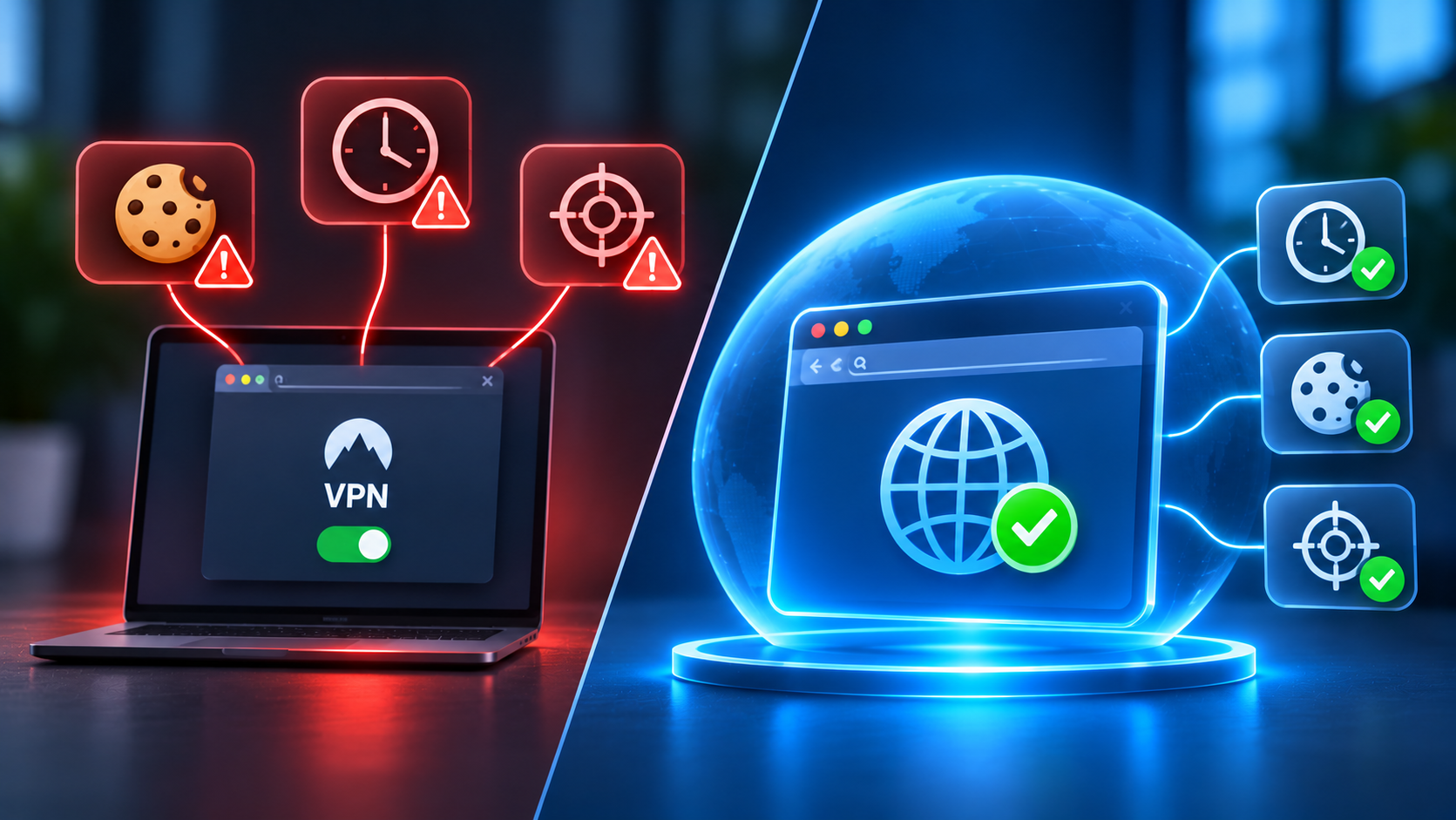
Why swapping your OS-level IP with a VPN breaks timezone consistency, leaks personal cookies, and gets flagged by ad platforms—and how browser-scoped sandboxes solve it.

QL
TheGeoBrowser QA Lab
Competitive Architecture
TheGeoBrowser vs. Traditional VPNs: A Technical Breakdown for QA & Ad-Ops Teams
Key Takeaways
  • ✓ VPNs route your entire PC through one shared datacenter IP while leaving browser cookies and clock unchanged.
  • ✓ TheGeoBrowser scopes proxy routing strictly to each launched test window, leaving Slack and Zoom untouched.
  • ✓ Built-in device, OS, timezone, locale, and GPS alignment eliminates false QA failures.

Three Technical Blindspots of VPN Testing

Consumer and corporate VPNs were built to encrypt host traffic—not to simulate authentic regional browser sessions. In practice, testing with a VPN leaves three major blindspots: shared browser cookies from your everyday work, mismatched system timezones/locales, and easily flagged datacenter exit pools.

Browser-Scoped Isolation Without System Slowdowns

Because TheGeoBrowser routes only the launched Chromium sandbox through your Trial Relay or BYOP proxy via 127.0.0.1, your IDE, video calls, and personal browser stay on your native network while your QA team launches parallel city tests.


Global Web Testing

See the web
differently.

Simulate authentic user visits from any city, device, OS, and browser version. Start with 100 MB one-time free proxy data, or bring your own Decodo, Bright Data, or HTTP/HTTPS/SOCKS5 proxy on Pro.

What You Need to Get Started
  • ✓ Windows 10/11 PC via Microsoft Store (macOS & Linux coming soon)
  • ✓ Locally installed Chrome, Edge, or Brave for isolated real-browser sessions
  • ✓ LinkedIn sign-in + BYOP proxy for Pro (100 MB one-time free proxy data included)
TheGeoBrowser
Get Desktop App