- ✓ Remote streamed VMs suffer from input lag, compressed video artifacts, and slow file uploads.
- ✓ Driving your local Chrome, Edge, or Brave binary delivers native 60fps scrolling and instant DevTools debugging.
- ✓ macOS and Linux desktop builds are on the roadmap following the Windows 10/11 Microsoft Store release.
The Speed Difference Between Local Execution and Cloud VMs
Anyone who has tried debugging a complex multi-step React or checkout state bug over a remote VNC browser stream knows the friction: blurry text, laggy typing, and broken clipboard shortcuts.
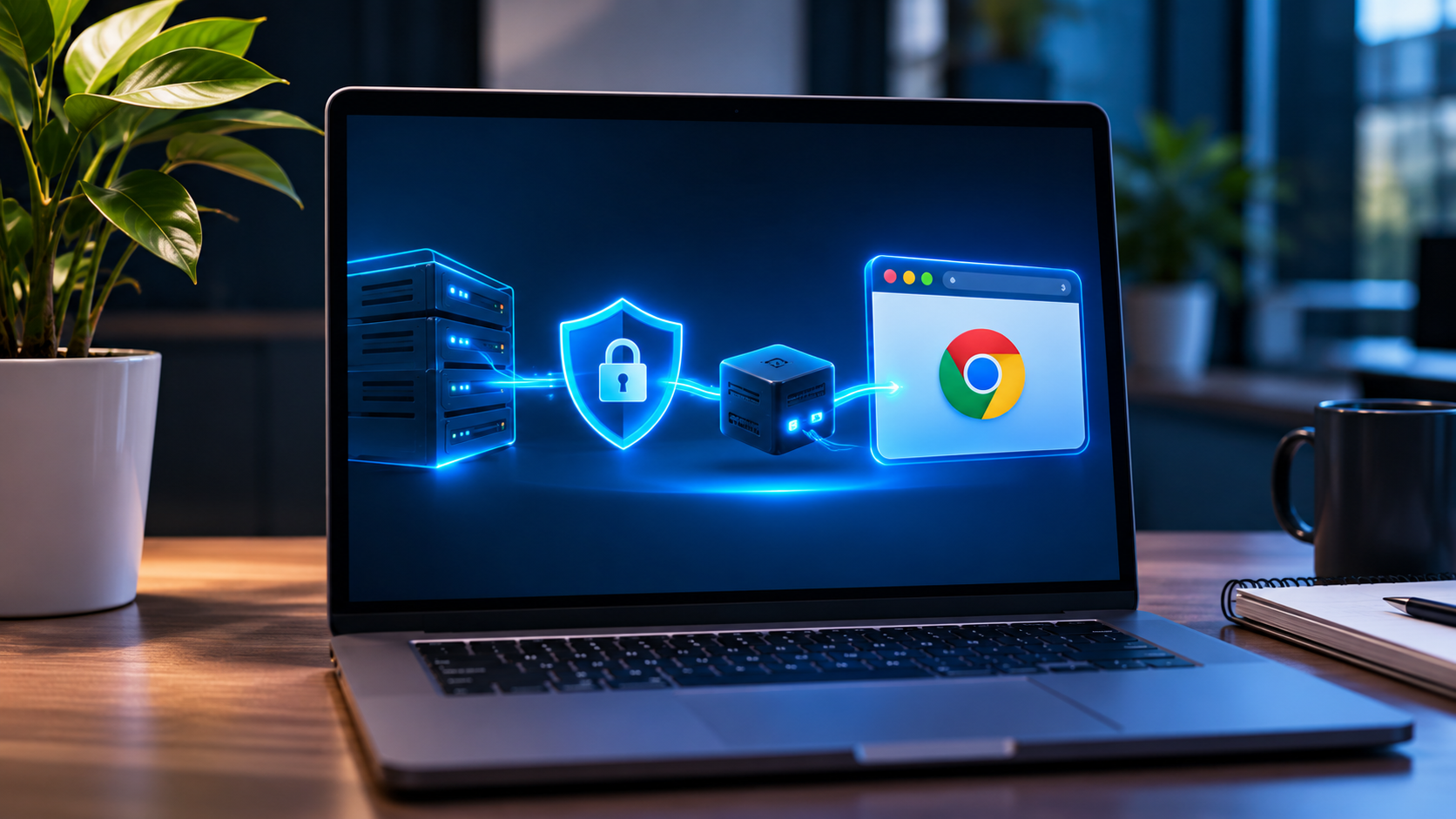
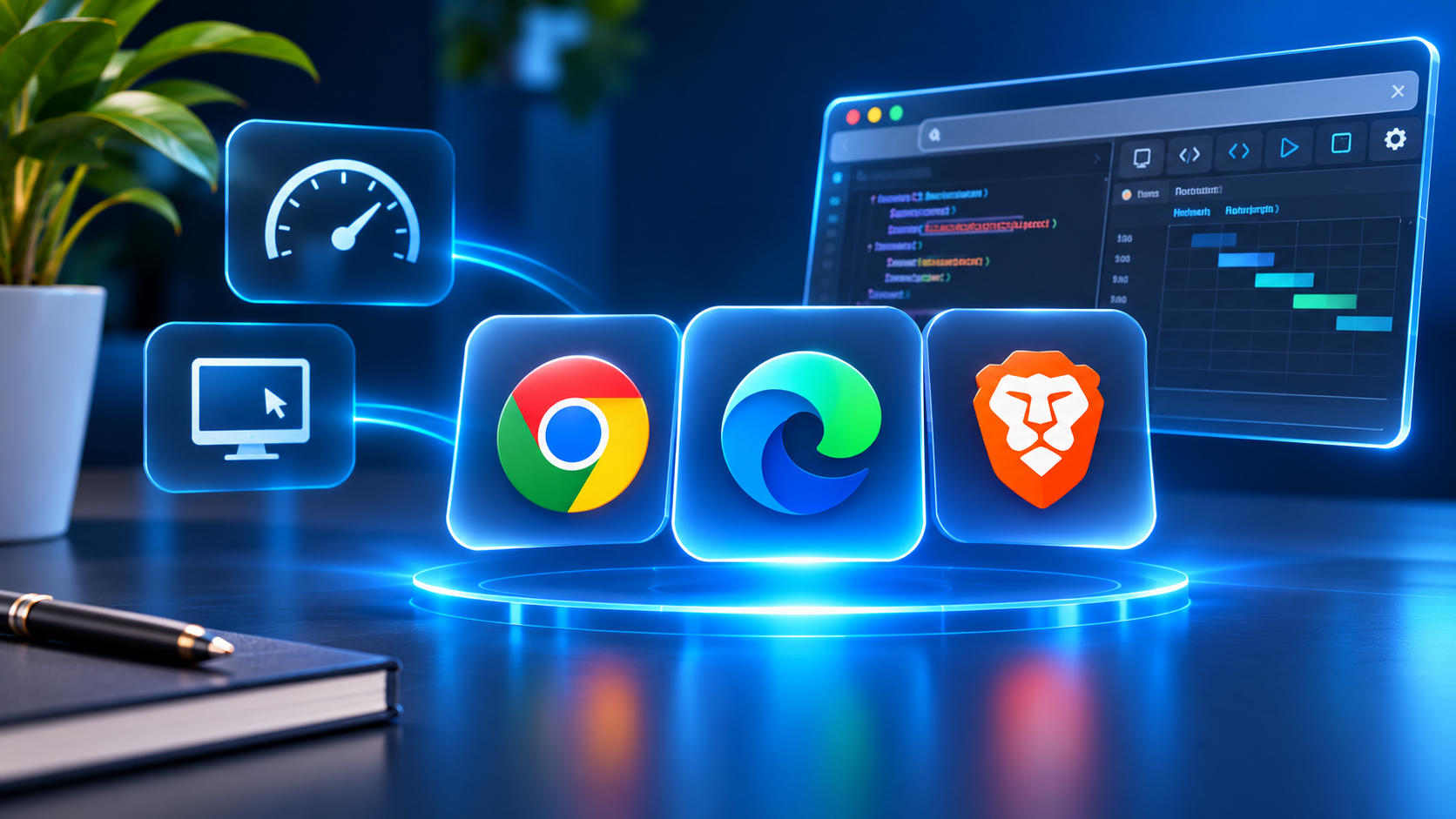
TheGeoBrowser takes a different approach. The Windows 10/11 desktop app discovers your locally installed Google Chrome, Microsoft Edge, or Brave browser and launches it inside an isolated temporary profile directory wired to our loopback relay and your chosen environment preset.
Simulating Desktop, Mobile, and Tablet Builds Locally
Within seconds you can switch between Windows, macOS, Linux, iOS, and Android profile presets alongside Chrome, Edge, Safari, or Firefox User-Agent and Client Hint configurations—all while keeping full access to local DevTools, network HAR exports, and native keyboard shortcuts.